
More than 700 typed tools
Typed civilforge tools span every module, so your agent calls engineering operations instead of guessing at commands.
Civzu’s local MCP server gives Claude, Codex or any MCP-compatible agent more than 700 typed engineering tools across every module. It reads the live model, prepares proposals with evidence and applies them only with the permission you grant.
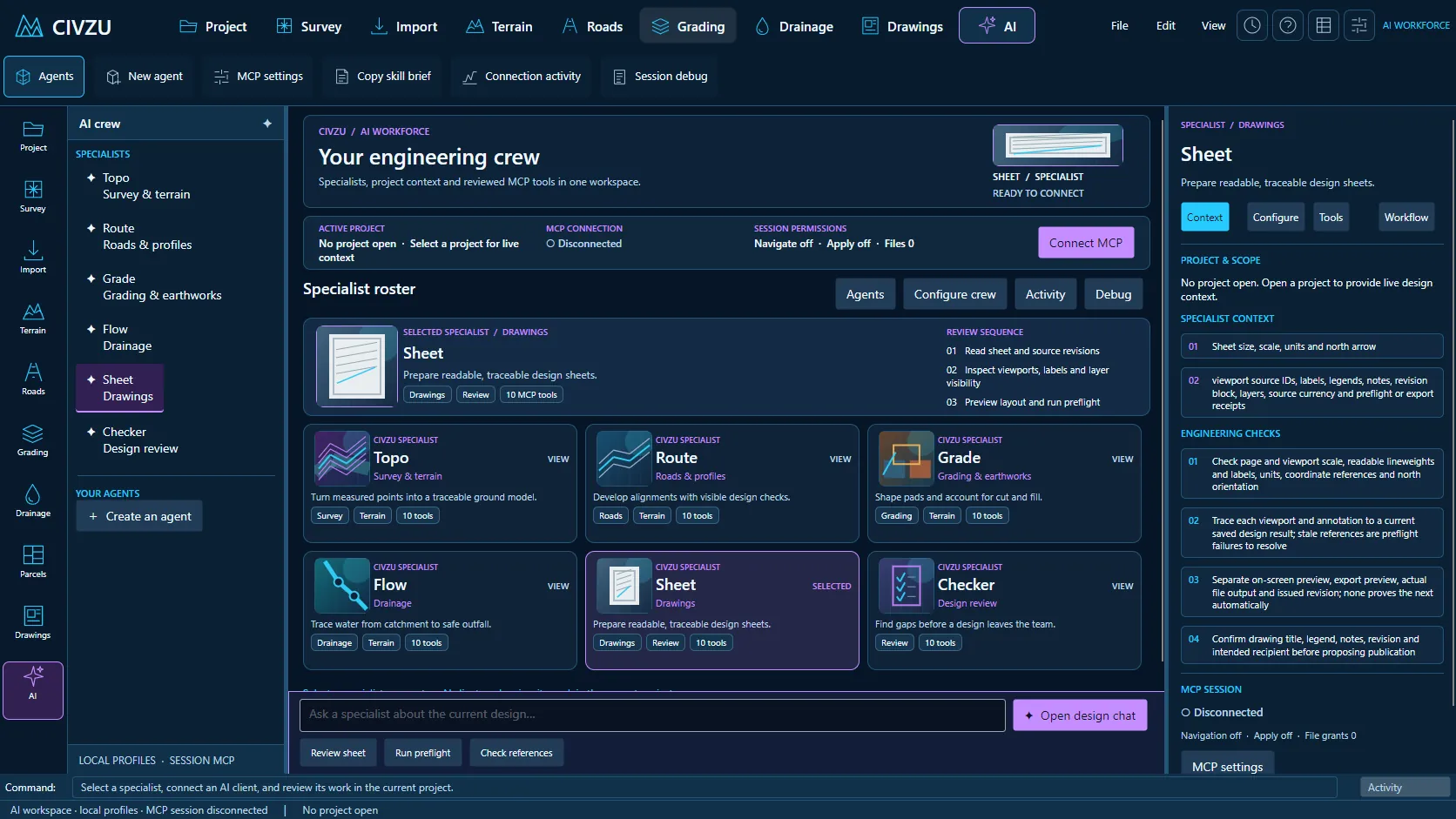 APP CAPTURE · ILLUSTRATIVE PROJECT
Your engineers work in the desktop workbench; your agent reaches the same project through typed local tools. Items tagged In development are being built now.
Typed civilforge tools span every module, so your agent calls engineering operations instead of guessing at commands.
Claude Code, Codex CLI and other MCP-compatible clients connect over a local connection to the open desktop session.
The connection starts disabled on every launch, and exiting the app revokes it.
Read access, navigation and reviewed changes are switched on separately, and the header shows which are active.
The desktop connection runs over stdio and a user-only local pipe and makes no model-provider requests itself; your agent's provider receives only what its tool calls return.
MCP edits are previewed and reviewed in full before you approve and apply them.
Agent actions are recorded in the session audit log, and saved engineering commands stay in the project history with undo.
Copy a report of the agent session for support from the Debug panel, with nothing uploaded.
Turn plain-language requests into typed rule proposals.
Replay scripts deterministically within resource limits.
“Build the ground model from this week’s survey and report anything suspicious.”
“Draft the corridor, compute quantities by station and prepare the sheets for my review.”
“Check cover on the revised drainage layout and propose fixes I can apply in one step.”
Reserve your early-access seat. We confirm your MCP client, seat count and commercial details before access opens.
Reserve your seat ↗